Fire Inspection Software Features

Our fire inspection software features customizable reports, scheduling, deficiencies, billing, and more – all in one platform.

Running a fire protection company means managing dispatch, compliance, customer communication, and financials all at once. FireLab brings every piece of that operation into one platform, giving your office staff and field technicians the tools they need to stay aligned, stay compliant, and get more done.

Core Capabilities
01

Customizable Reports

Your techs should be inspecting, not filling out forms. FireLab’s mobile-first workflow lets field technicians complete reports on-site, including deficiency notes, photos, and signatures, in a fraction of the time. Less time per job means more jobs per day.

02

NFPA & Joint Commission Compliant

Every report FireLab generates is built to meet NFPA and Joint Commission standards. You do not have to worry about whether your documentation holds up. It does, right out of the box.

03

Inspection Reminders

When a deficiency is found, it does not get buried in a PDF. FireLab surfaces it, tracks it, and keeps it visible until it is resolved. Office staff can follow up and create service records with every customer.

Built for compliance from day one. FireLab is NFPA and Joint Commission compliant, so your documentation meets the standards that matter to your customers and regulators without extra effort on your part.

NFPA Joint Commission
All Features

Everything Your Operation Needs

From scheduling to financials, FireLab covers the full lifecycle of a fire inspection business with a layout that keeps the larger feature story blocks from your new draft while preserving the older FireLab color treatment.

Better Efficiency = Better Profits

FireLab streamlines your entire operation-from the office to the field-so your team stays organized, your technicians stay productive, and your business runs more efficiently.

Our fire inspection software connects scheduling, inspections, deficiency tracking, and billing in one system, helping you eliminate wasted time, reduce missed work, and get more value out of every labor hour.

When your operation runs efficiently, your profitability follows.

Photos - Let Your Customers Visualize Their Deficiencies

Attach photos directly to your inspection reports to provide clear, visual documentation of deficiencies. FireLab’s photo capture feature improves report accuracy, strengthens deficiency validation, and makes it easy for customers to understand exactly what needs to be repaired.

With better visibility, your clients approve quotes faster—helping you speed up repairs, improve communication, and capture more revenue from every inspection.

No WI-FI, No Cell Service, No Problem

FireLab’s offline mode allows inspectors to complete reports without Wi-Fi or cell service. Perform inspections in basements, remote buildings, and low-signal environments without interruption.


All data is automatically synced once a connection is restored, ensuring no lost information, accurate reporting, and uninterrupted workflow from the field to the office.

Works On Any Device

FireLab works on Apple, Android, and Microsoft devices, giving your team the flexibility to perform fire inspections from any phone, tablet, or computer.


Our fire inspection software ensures seamless access across all platforms, so your inspectors and office staff can stay connected, complete reports, and manage operations—no matter what device they use.
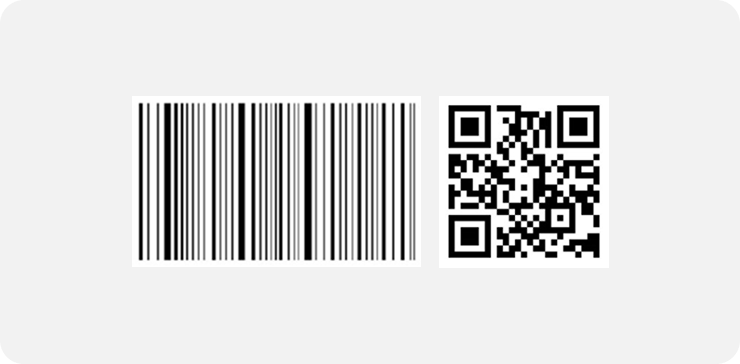
Barcode/QR Code Scanning

Use barcode and QR code scanning to instantly identify devices and capture inspection data in seconds. Eliminate manual entry, reduce errors, and keep your inspections moving efficiently.


With faster data collection, your team can complete more inspections per day—improving productivity, increasing throughput, and generating more revenue.
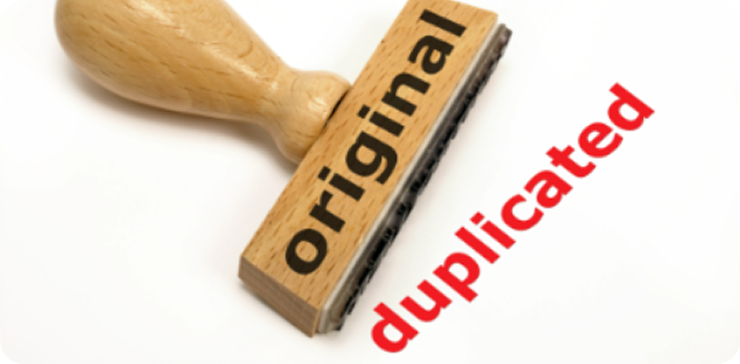
Enter It Once

Enter inspection data one time, and FireLab automatically carries it forward into future reports. Eliminate duplicate data entry, reduce errors, and keep your inspections moving efficiently.


By saving time on every report, your team can complete more inspections, improve accuracy, and increase overall productivity.
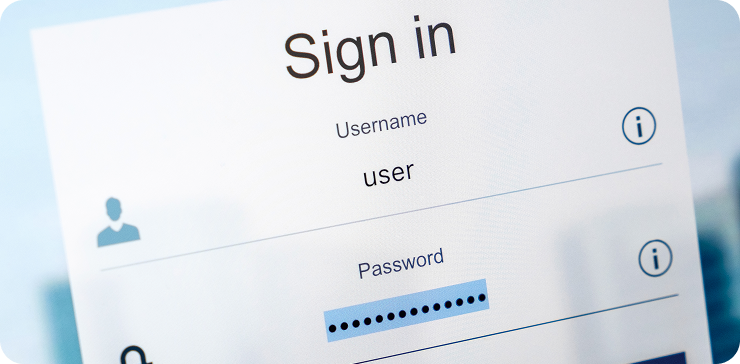
Customer Portal

Give your customers 24/7 access to view inspection reports, track upcoming work, request service, and approve quotes—all in one place.


With everything accessible online, you eliminate back-and-forth communication, speed up approvals, and deliver a more professional, seamless experience for every client.
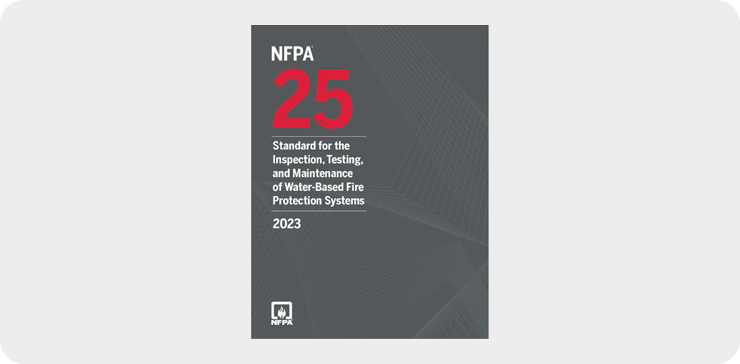
Built On NFPA Standards

FireLab includes NFPA references directly in your inspection reports, providing clear, authoritative support for every deficiency and recommendation.


With code-based reporting, you reduce customer questions, improve accuracy, and ensure compliance—while building trust and making it easier for clients to understand and approve the work.

More Features

Customizable Reports

Tailor your inspection reports to match your exact requirements by hiding unnecessary questions and adding custom ones that fit your systems and customers. Capture only what matters, reduce clutter, and ensure every report is relevant, accurate, and compliant. With flexible report customization, your team works faster and avoids missed details on every inspection.

Spanish Version

Switch the entire platform to Spanish with a single click, allowing your team to manage inspections, scheduling, reports, and operations in their preferred language. Reduce misunderstandings, improve accuracy, and empower Spanish-speaking technicians and staff to work more efficiently. A fully translated experience keeps your whole team aligned and productive across every part of your business.

Inspection Reminders

Create automated reminders for recurring inspections so nothing gets overlooked or forgotten. Stay on top of every building, system, and schedule with alerts that keep your team organized and prepared. By ensuring inspections are completed on time, you protect compliance and prevent missed revenue opportunities.

Financial Dashboard

Get a clear, real-time overview of your financial performance for the month and year-to-date in one place. Track key metrics, monitor revenue, and quickly understand how your business is performing. With instant visibility, you can make better decisions and stay in control of your financials.

Instant Messaging

Communicate instantly between office staff and field technicians with built-in messaging designed for your workflow. Send updates, ask questions, and share information without delays, whether in the office or out in the field. Faster communication keeps jobs moving, reduces confusion, and helps your team stay aligned throughout the day.

Inventory Management

Track and manage inventory across your warehouse and technicians’ vehicles in real time. Always know what’s in stock, what’s in the field, and what needs to be restocked—without manual tracking. Better visibility reduces lost equipment, prevents delays, and ensures your team has what they need for every job.

GPS

Track the real-time location of your technicians in the field to improve visibility and coordination. See where your team is, optimize routes, and respond faster to service needs throughout the day. Better tracking helps you reduce downtime, improve efficiency, and keep jobs running on schedule.

Scheduling and Dispatching

Schedule inspections, assign jobs, and dispatch technicians with ease from one centralized calendar. See availability, avoid conflicts, and ensure the right technician is assigned to the right job at the right time. A streamlined scheduling system keeps your team organized, reduces downtime, and helps you complete more work each day.

NFPA/Joint Commission Compliant

Ensure your inspection reports align with NFPA standards and Joint Commission requirements, giving your findings clear, code-based support. Deliver accurate, compliant documentation that reduces questions, strengthens credibility, and meets regulatory expectations. With built-in compliance, your team can work confidently and keep every building inspection-ready.

Deficiency Tracking

Automatically capture deficiencies during inspections and track them from identification to resolution. Stay organized with clear visibility into open issues, status updates, and follow-up actions. By ensuring nothing gets overlooked, you close more work, improve compliance, and increase revenue from every inspection.

Time Card

Track technician hours quickly and accurately with easy-to-use time cards. Allow your team to log their time from anywhere while admins review and adjust entries as needed. Reliable time tracking improves accountability, reduces errors, and keeps payroll running smoothly.

Are You Ready to Learn More or Get Started

Customizable Reports

Tailor your inspection reports to match your exact requirements by hiding unnecessary questions and adding custom ones that fit your systems and customers. Capture only what matters, reduce clutter, and ensure every report is relevant, accurate, and compliant. With flexible report customization, your team works faster and avoids missed details on every inspection.
Switch the entire platform to Spanish with a single click, allowing your team to manage inspections, scheduling, reports, and operations in their preferred language. Reduce misunderstandings, improve accuracy, and empower Spanish-speaking technicians and staff to work more efficiently. A fully translated experience keeps your whole team aligned and productive across every part of your business.
Create automated reminders for recurring inspections so nothing gets overlooked or forgotten. Stay on top of every building, system, and schedule with alerts that keep your team organized and prepared. By ensuring inspections are completed on time, you protect compliance and prevent missed revenue opportunities.
Get a clear, real-time overview of your financial performance for the month and year-to-date in one place. Track key metrics, monitor revenue, and quickly understand how your business is performing. With instant visibility, you can make better decisions and stay in control of your financials.
Communicate instantly between office staff and field technicians with built-in messaging designed for your workflow. Send updates, ask questions, and share information without delays, whether in the office or out in the field. Faster communication keeps jobs moving, reduces confusion, and helps your team stay aligned throughout the day.

Track and manage inventory across your warehouse and technicians’ vehicles in real time. Always know what’s in stock, what’s in the field, and what needs to be restocked—without manual tracking. Better visibility reduces lost equipment, prevents delays, and ensures your team has what they need for every job.

Track the real-time location of your technicians in the field to improve visibility and coordination. See where your team is, optimize routes, and respond faster to service needs throughout the day. Better tracking helps you reduce downtime, improve efficiency, and keep jobs running on schedule.
Schedule inspections, assign jobs, and dispatch technicians with ease from one centralized calendar. See availability, avoid conflicts, and ensure the right technician is assigned to the right job at the right time. A streamlined scheduling system keeps your team organized, reduces downtime, and helps you complete more work each day.
Ensure your inspection reports align with NFPA standards and Joint Commission requirements, giving your findings clear, code-based support. Deliver accurate, compliant documentation that reduces questions, strengthens credibility, and meets regulatory expectations. With built-in compliance, your team can work confidently and keep every building inspection-ready.
Automatically capture deficiencies during inspections and track them from identification to resolution. Stay organized with clear visibility into open issues, status updates, and follow-up actions. By ensuring nothing gets overlooked, you close more work, improve compliance, and increase revenue from every inspection.
Track technician hours quickly and accurately with easy-to-use time cards. Allow your team to log their time from anywhere while admins review and adjust entries as needed. Reliable time tracking improves accountability, reduces errors, and keeps payroll running smoothly.